
What is Hire2Hero?
A quick tour of the Hire2Hero platform and its three portals.
Hire2Hero is a staffing operations platform for healthcare and professional services agencies. It connects three different audiences through three dedicated portals, all backed by a single shared dataset.
The three portals
Administrator portal — agency staff who manage placements, review timecards, run payroll, and invoice clients. This is the main back-office workspace.

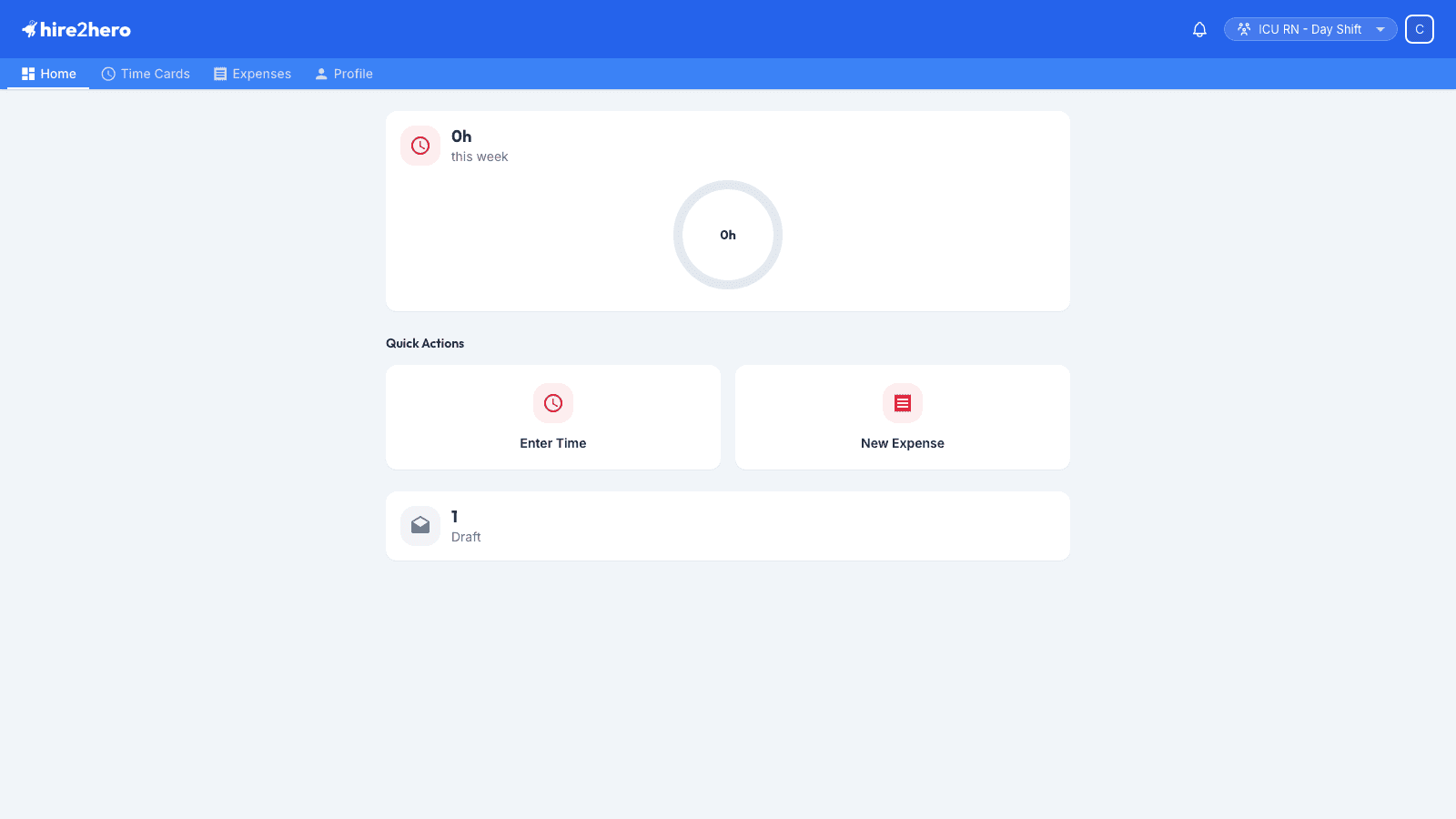
Employee portal — the people being placed. Employees submit their timecards and expenses, see their upcoming placements, and manage their profile.
Approving client contact portal — the client-side approver who reviews and approves submitted timecards before they flow into invoicing and payroll.

How they fit together
A typical week in Hire2Hero looks like this:
All three portals share the same login URL and the same authentication. Your role determines which portal you land on after signing in.
Where to next
- New to the platform? Read the Quick Start guide.
- Setting up your agency? Start with the Administrator dashboard overview.
- Need to approve a timecard? See Reviewing timecards.